Product
One system, seen from every side of the pass.
Pick the role you care about and read exactly what they get. Or start with what your guests see.
Built for everyone on the floor
One system, every station.
One page per role: what they see, what they can do, and how it fits the rest of the service.
For the owner
Set up your menu, tables, and staff roles once. Watch orders and sales without living in a spreadsheet.
Read more →For your guests
Scan a code, order and pay from their own phone. No app, no account, no waiting to catch someone's eye.
Read more →For the kitchen
Every ticket arrives with the table, the timing, and the special requests already sorted out.
Read more →For the floor
Take cash at the counter, confirm plates have landed, and know the moment a table needs you.
Read more →For the host stand
See which tables are turning, which are sat, and who's next, at a glance.
Read more →What your guests see
Scan, browse, customise, pay.
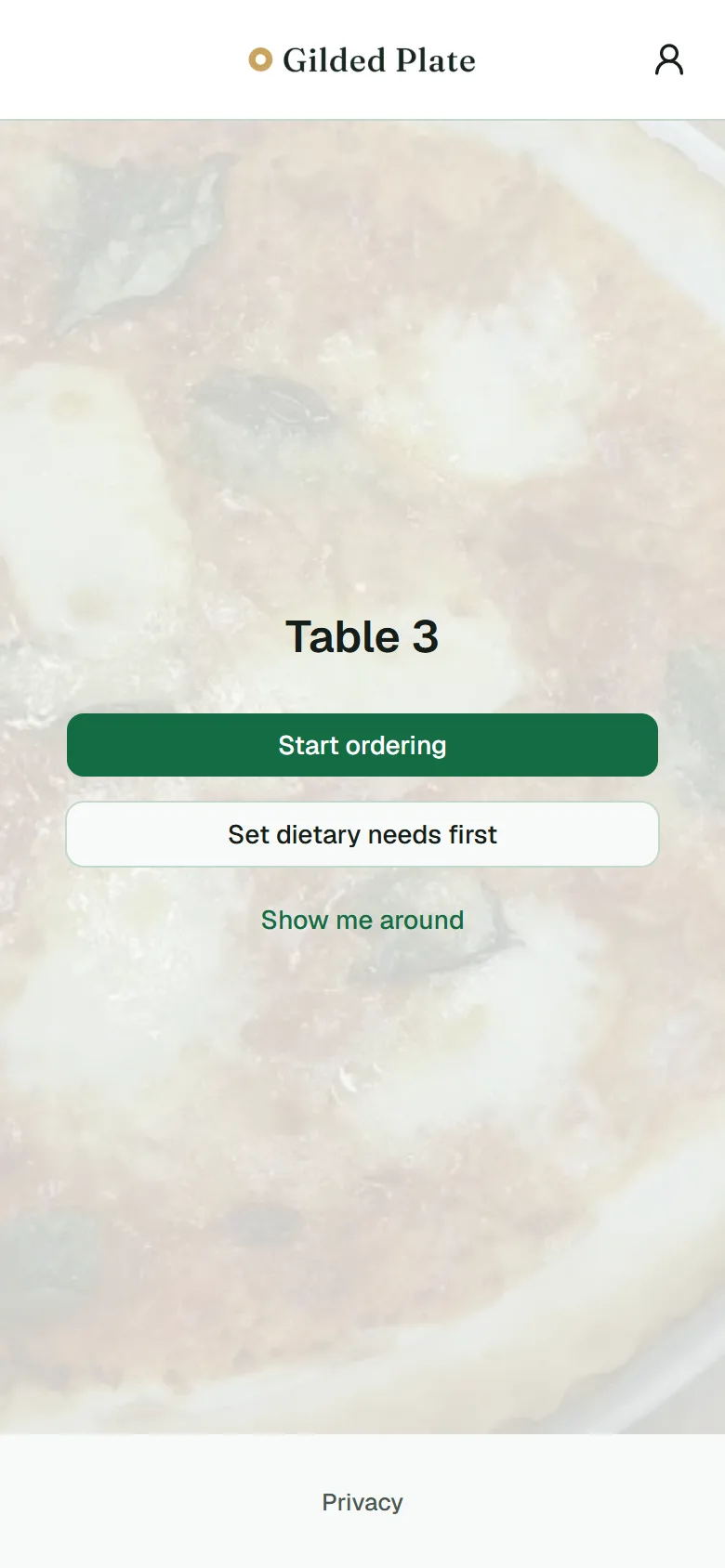 01Scan the code
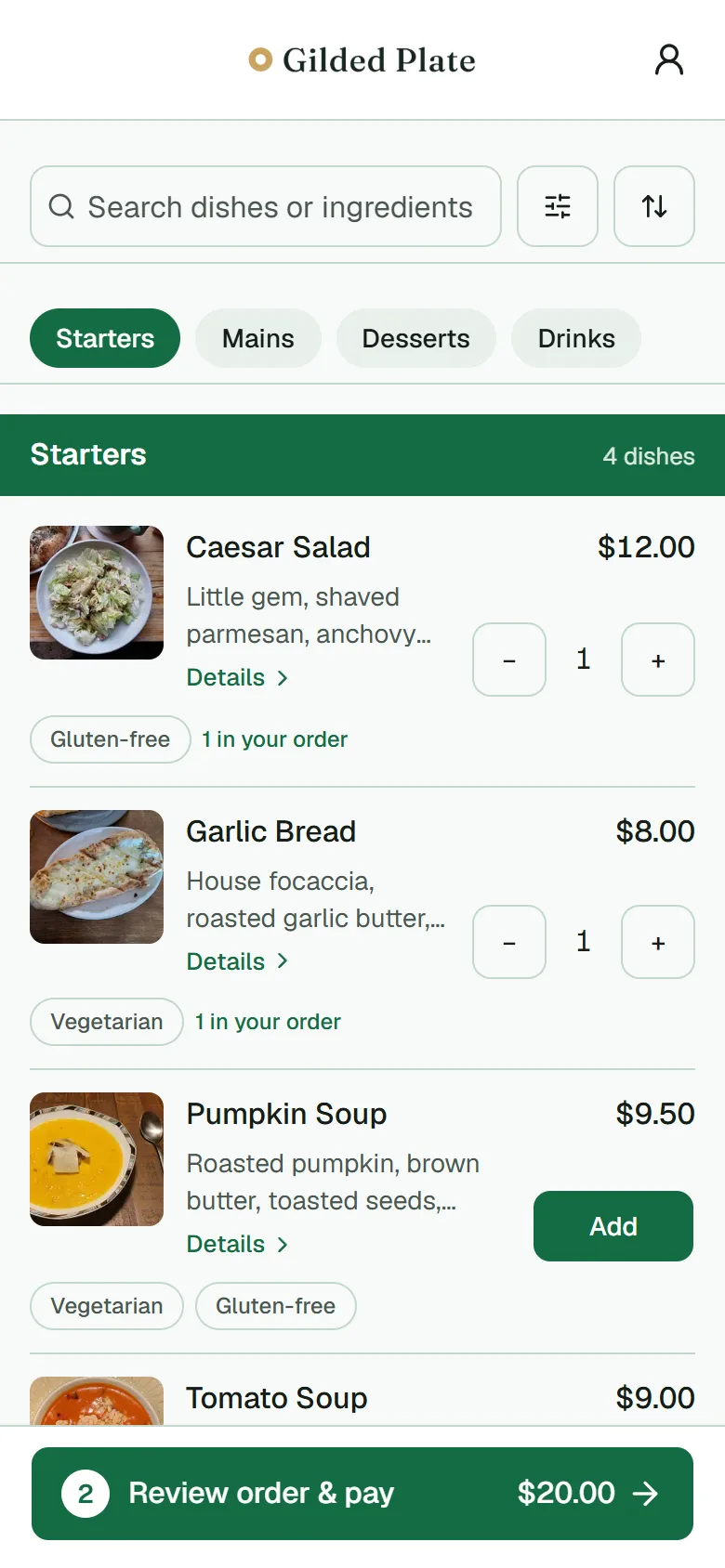 02Browse the menu
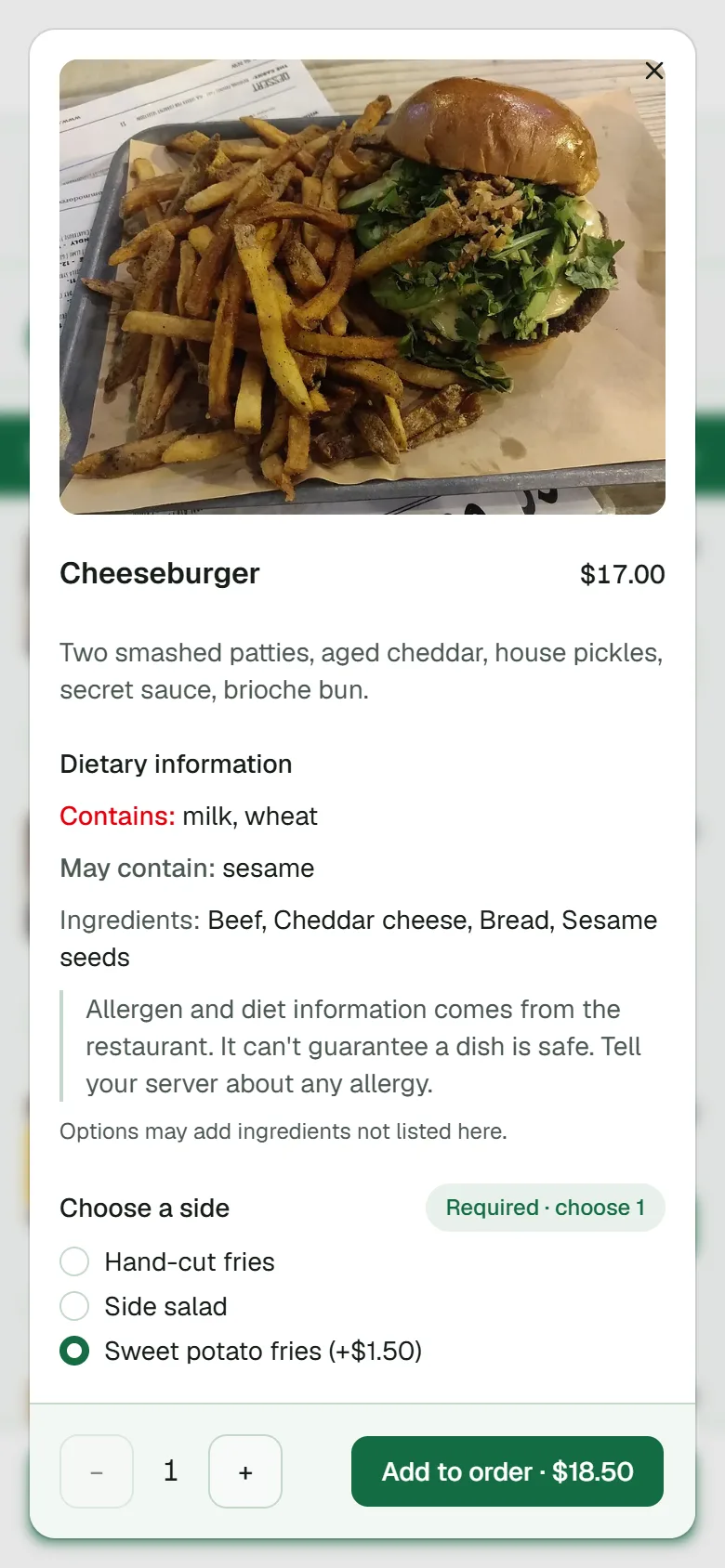 03Customise the dish
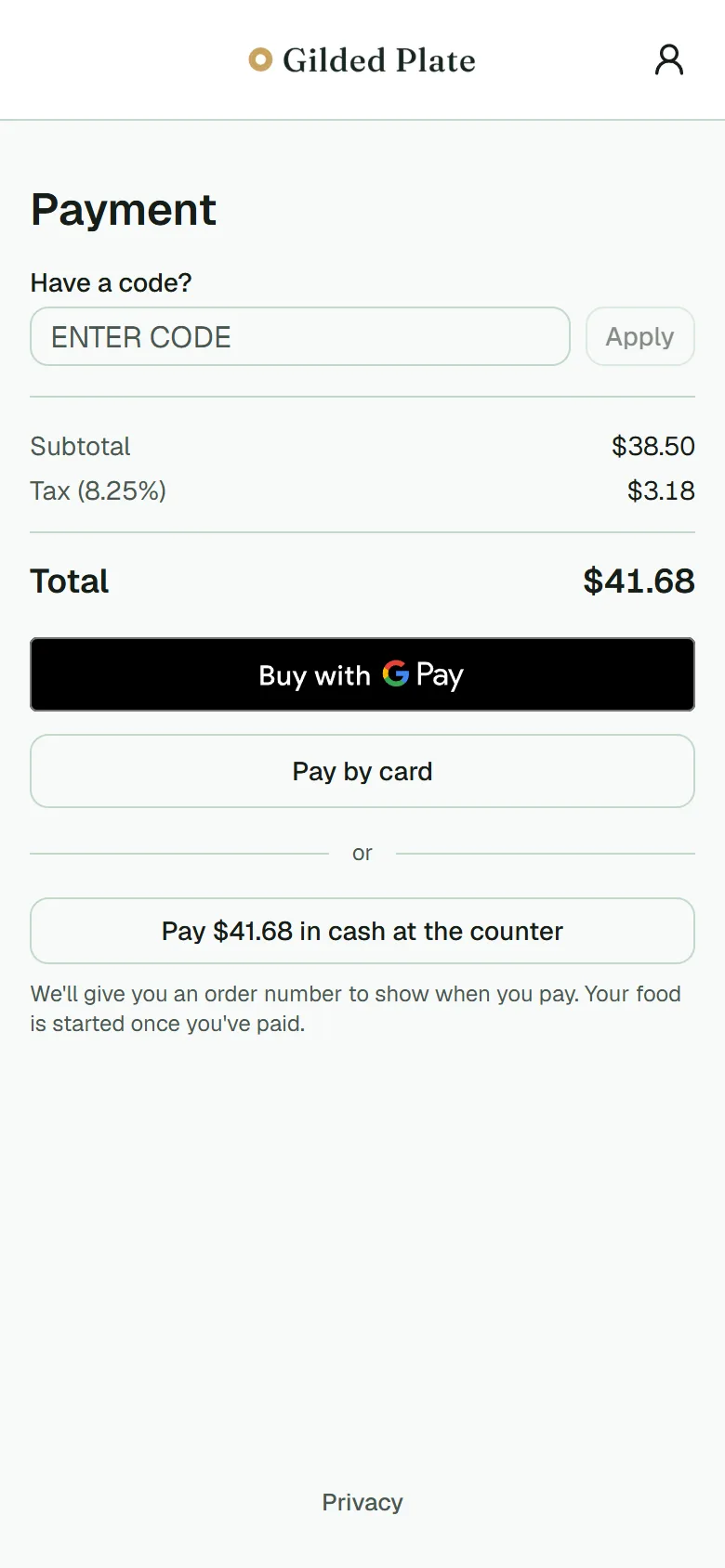 04Pay from the table
Set the table.
We're taking on early clients a few at a time, and setting them up ourselves.
Request early access